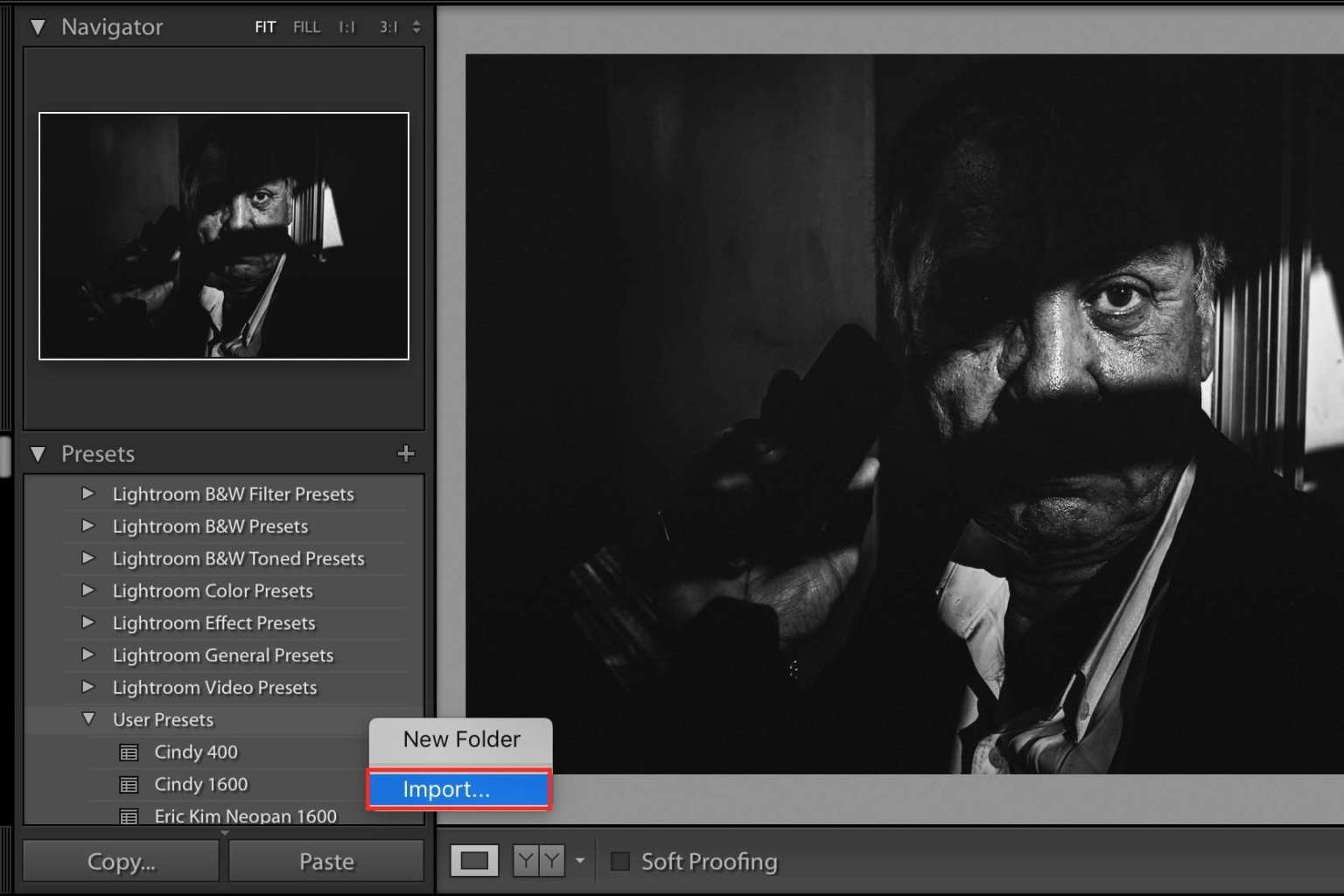

- Open up Lightroom
- Go in the “Develop†module (hotkey “Dâ€)
- Under the “Presets†drop-down menu (bottom-left) right-click (or on Mac, control+click) and click “Import…†and then select your presets from your “Downloads†folder
- Apply to your image